Getting start with Mixpanel: The basics
If you’re absolutely clueless on starting out with Mixpanel, look no further. I’m going to break it down into simple steps for you.
If you’re absolutely clueless about starting with Mixpanel, look no further. I’m going to break it down into simple steps for you.
Join the Mixpanel startup program
Mixpanel offers a startup program that provides USD 50,000 in credits for its Growth Plan, free for the first year to eligible startups.
Eligibility criteria
- Your startup must be under 5 years old.
- You've raised $8 million or less in funding.
- You're not currently on a Mixpanel paid plan.
If you meet these requirements, apply here by filling out the application form. It usually gets approved within a couple of days.
Create Your Mixpanel Account
Create an organization
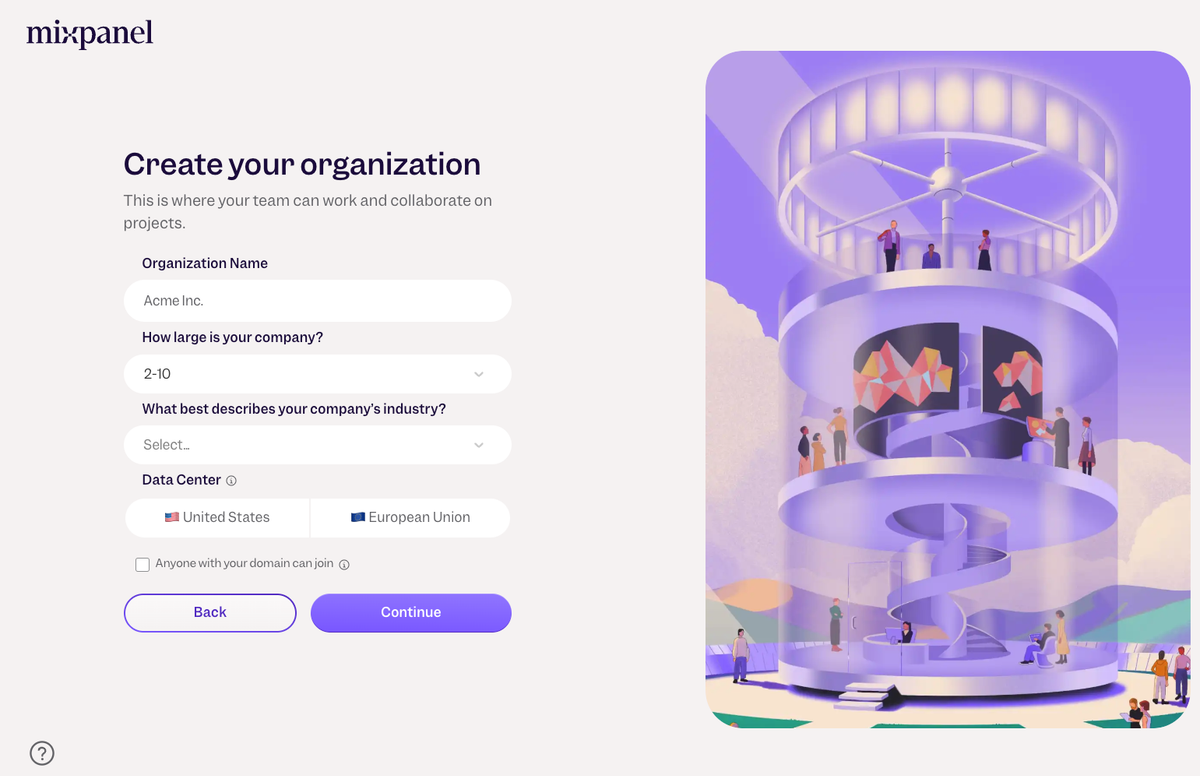
Once your account is set up, you'll be prompted to create an organization.
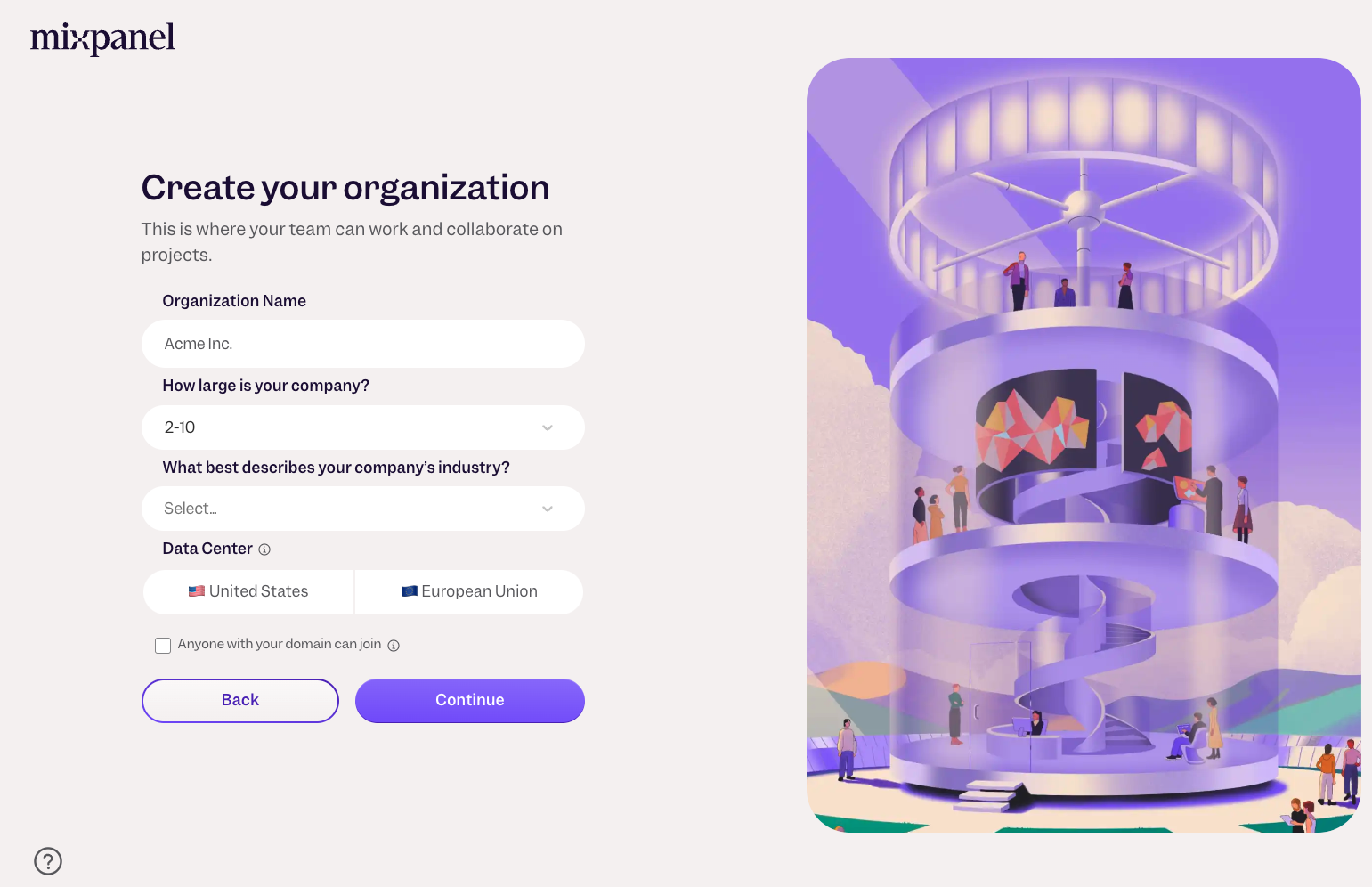
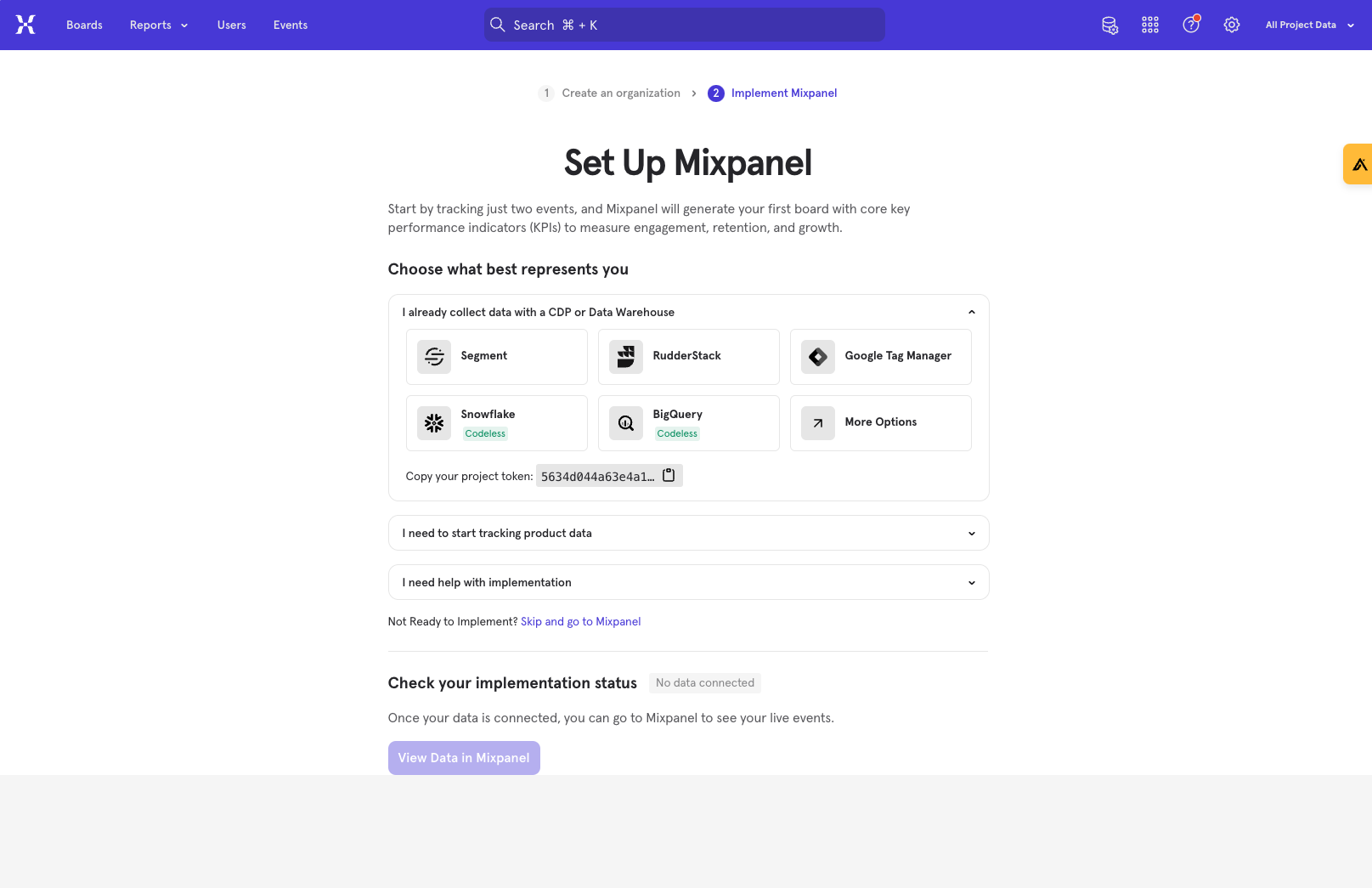
Setting up Mixpanel
After creating your organization, you'll encounter a setup screen. Here, you're just a few clicks away from integrating Mixpanel into your product.
Choose the relevant option for your product and follow the setup instructions provided in the Mixpanel library.
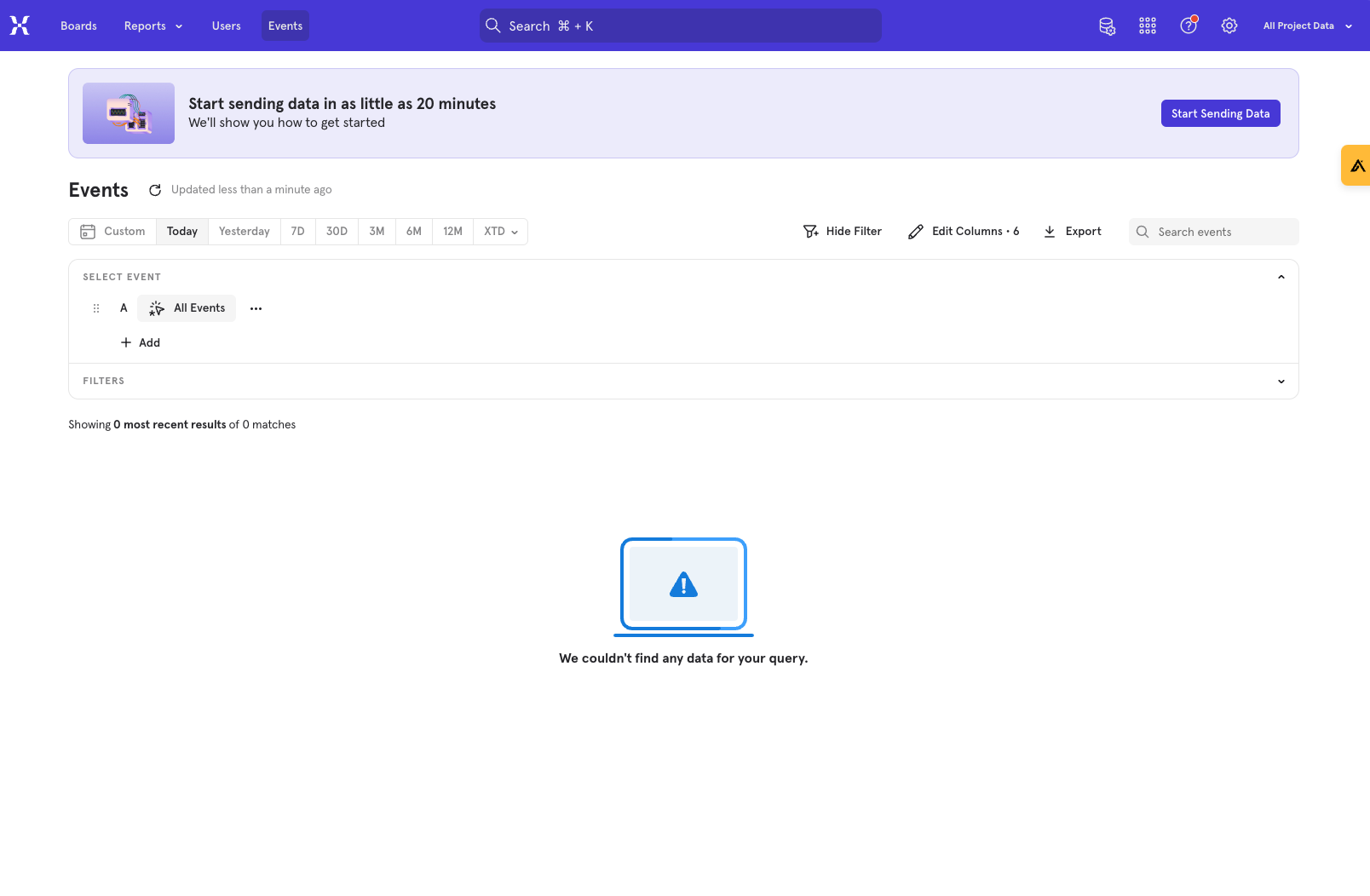
Checking data flow into Mixpanel
Head over to the Events tab to ensure that your events are being recorded. Test your product to trigger a few events; if they appear in Mixpanel, you're good to go!
Next steps
With your basic setup complete and data flowing, it’s time to set up Mixpanel for success.
This involves 5 steps, which are detailed in this guide.
FAQs
What’s a project?
A project is essentially a container for your product's data within Mixpanel. It's advisable to have two projects: one for development (dev) to test your implementations and another for production (prod) to handle live data.
What’s a project token?
Your project token is crucial for directing data to the correct project. You can find it under settings by navigating to Project Settings and scrolling down.
Hope this was helpful. If you’re looking for any help on the mixpanel setup, feel free to reach out using any of the below methods.
LinkedIn | Email - anshdoesanalytics@gmail.com | Book a slot on my calendar

![[Week 28] Learning Mixpanel: Computed Properties](/content/images/size/w600/2026/02/e73fb366-1c52-4f79-a28f-4a0b60d6998c_836x723.png)
![[Week 27] Learning Mixpanel: Bucket Customisation Types](/content/images/size/w600/2026/02/a81f7bcb-4886-4711-b1b8-af8c5fc6b1b8_463x476.png)
![[Week 26] Learning Mixpanel: Mastering Attribution with Mixpanel](/content/images/size/w600/2026/02/4e3a164c-bfb1-479f-9f09-2f8890eac413_885x787.png)