Getting started with Mixpanel: The basics
If you’re absolutely clueless on starting out with Mixpanel, look no further. I’m going to break it down into simple steps for you.
The short version: Apply to the Mixpanel startup program if you qualify, create the account, then confirm data is actually flowing before you build anything on top of it.
If you’re absolutely clueless about starting with Mixpanel, look no further. I’m going to break it down into simple steps for you.
Should you join the Mixpanel startup program?
Mixpanel offers a startup program that provides USD 50,000 in credits for its Growth Plan, free for the first year to eligible startups.
Eligibility criteria
- Your startup must be under 5 years old.
- You've raised $8 million or less in funding.
- You're not currently on a Mixpanel paid plan.
If you meet these requirements, apply here by filling out the application form. It usually gets approved within a couple of days.
How do you create your Mixpanel account?
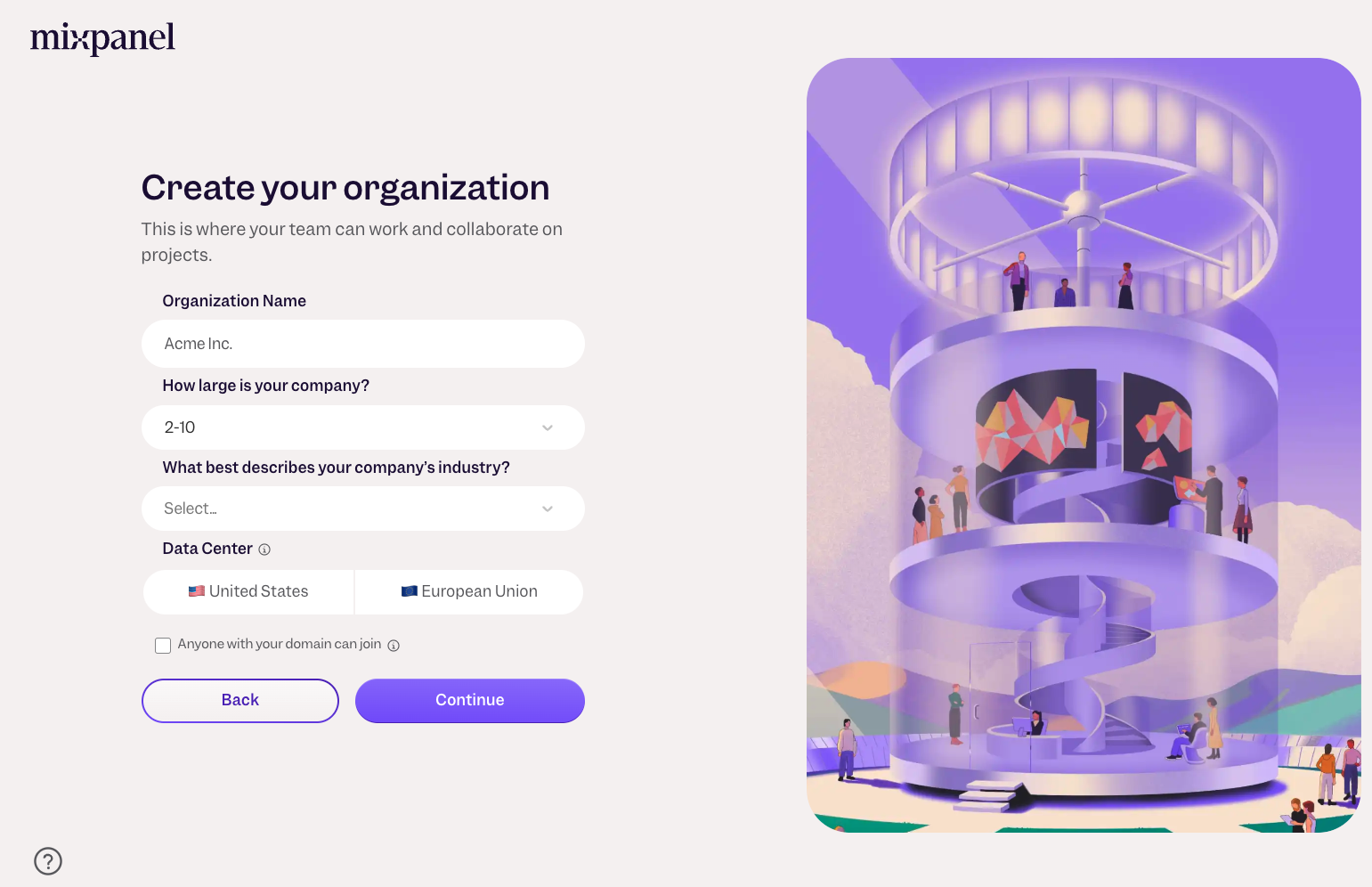
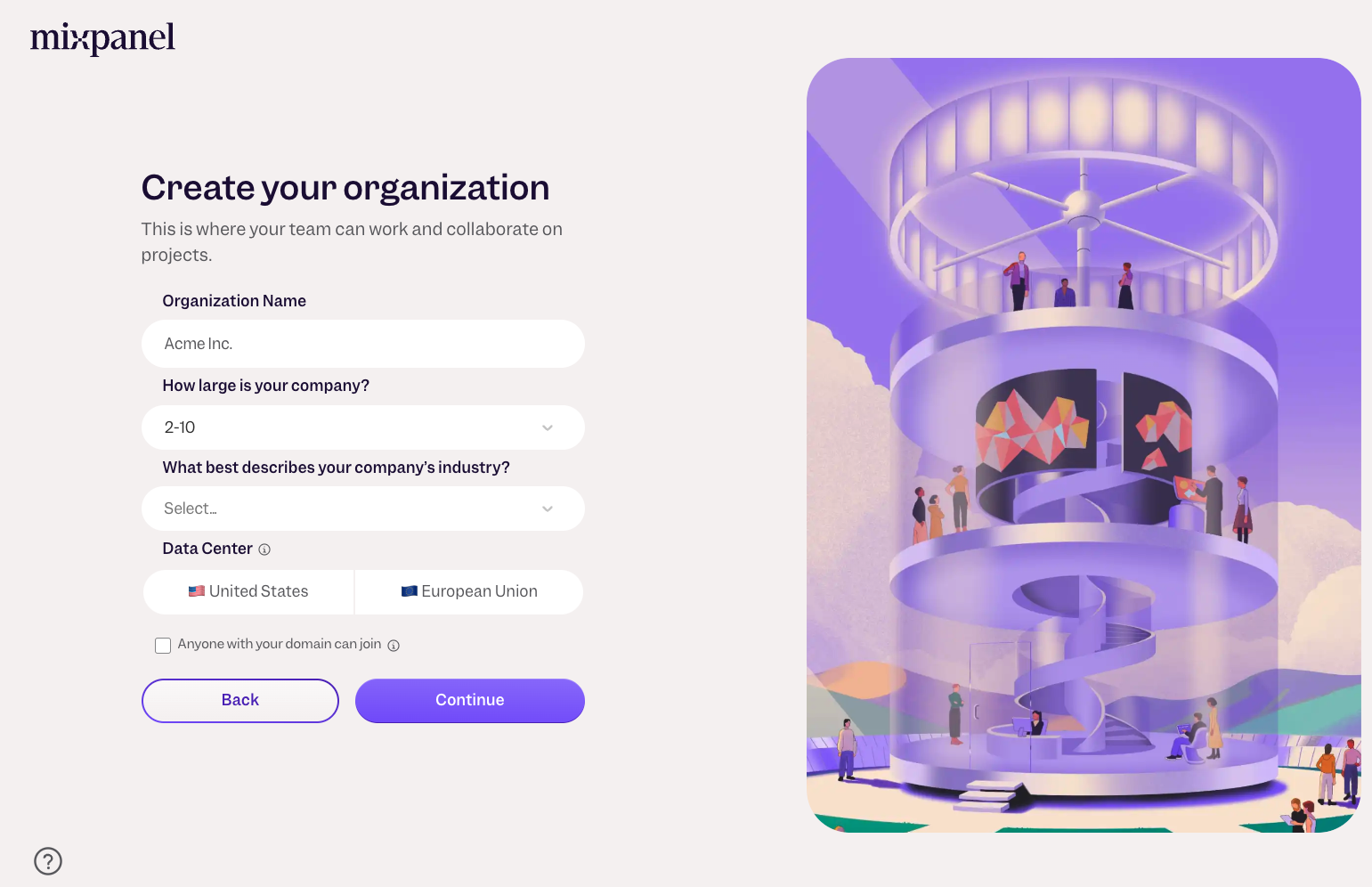
Create an organization
Once your account is set up, you'll be prompted to create an organization.
Setting up Mixpanel
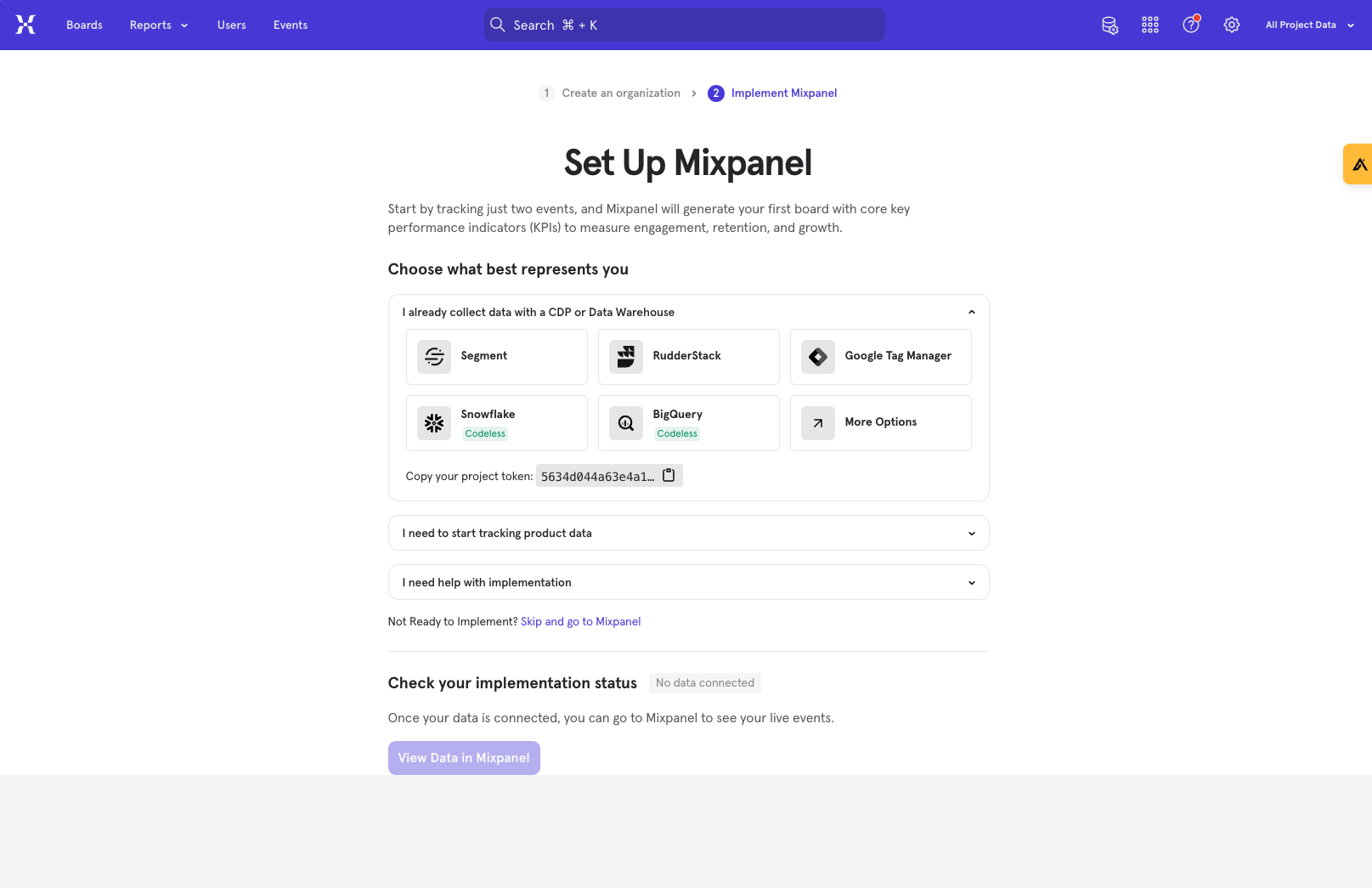
After creating your organization, you'll encounter a setup screen. Here, you're just a few clicks away from integrating Mixpanel into your product.
Choose the relevant option for your product and follow the setup instructions provided in the Mixpanel library.
How do you check data is flowing into Mixpanel?
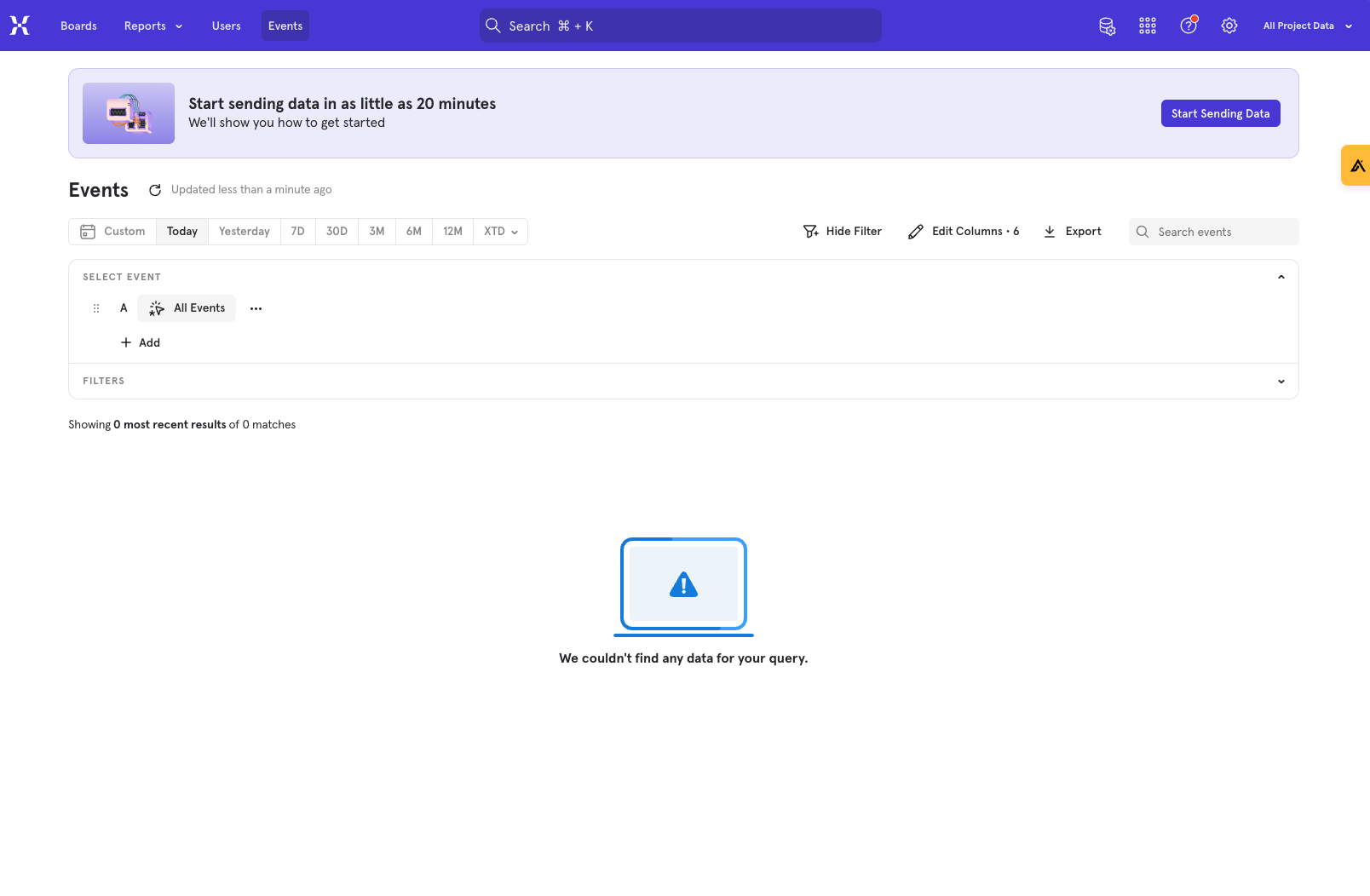
Head over to the Events tab to ensure that your events are being recorded. Test your product to trigger a few events; if they appear in Mixpanel, you're good to go!
What are the next steps?
With your basic setup complete and data flowing, it’s time to set up Mixpanel for success.
This involves 5 steps, which are detailed in this guide.
FAQs
What’s a project?
A project is essentially a container for your product's data within Mixpanel. It's advisable to have two projects: one for development (dev) to test your implementations and another for production (prod) to handle live data.
What’s a project token?
Your project token is crucial for directing data to the correct project. You can find it under settings by navigating to Project Settings and scrolling down.
Hope this was helpful. If you’re looking for any help on the mixpanel setup, feel free to reach out using any of the below methods.
LinkedIn | Email - anshdoesanalytics@gmail.com | Book a slot on my calendar
Get new posts by email
Simplifying analytics for Founders and PMs. One email when a post goes out.