Topic
Learning Mixpanel
A 28-week series on Mixpanel by Ansh Agrawal, from the basics to warehouse connectors, attribution and computed properties. Start at week 1 and read in order.
Latest posts
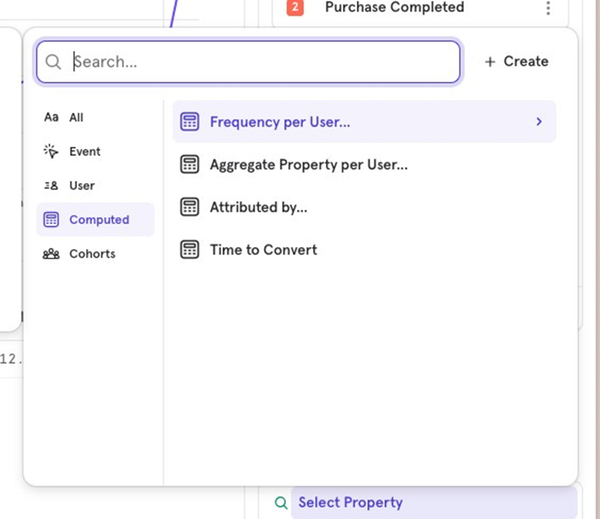
[Week 28] Learning Mixpanel: Computed Properties
Introduction Welcome to Week 28 of Learning Mixpanel. I’m Ansh, a Mixpanel Certified Partner. I’ve had the privilege of working with 150+ startups, helping them set up their analytics infrastructure and gain actionable insights using Mixpanel. Curious about my work? Check out my website for case studies, testimonials, and more details about what I do. Tired of Mixpanel data going wrong - events missing, properties breaking, or random spikes? Pravix makes it simple to detect these issues and
· 4 min read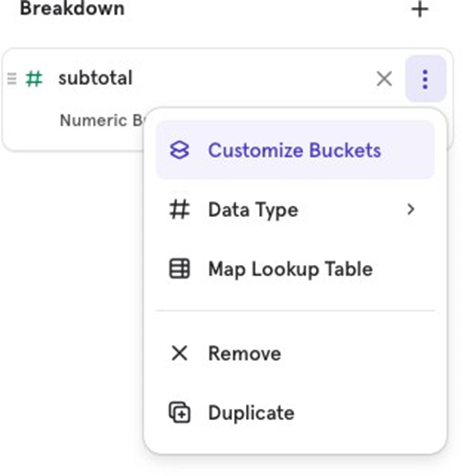
[Week 27] Learning Mixpanel: Bucket Customisation Types
Introduction Welcome to Week 27 of Learning Mixpanel. I’m Ansh, a Mixpanel Certified Partner. I’ve had the privilege of working with 150+ startups, helping them set up their analytics infrastructure and gain actionable insights using Mixpanel. Curious about my work? Check out my website for case studies, testimonials, and more details about what I do. Tired of Mixpanel data going wrong - events missing, properties breaking, or random spikes? Pravix makes it simple to detect these issues and
· 4 min read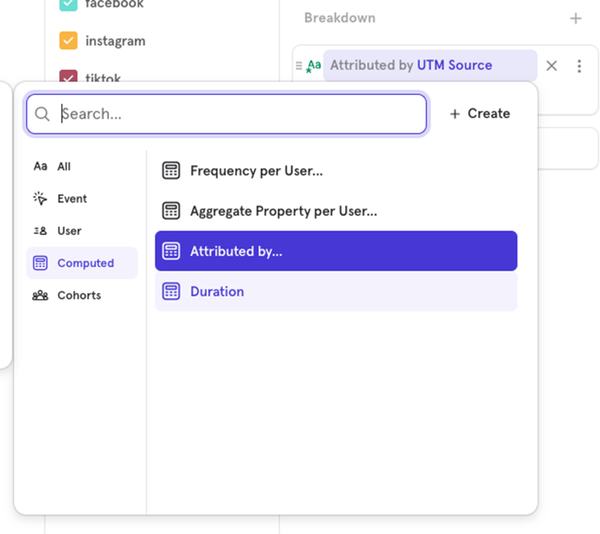
[Week 26] Learning Mixpanel: Mastering Attribution with Mixpanel
Introduction Welcome to Week 26 of Learning Mixpanel. I’m Ansh, a Mixpanel Certified Partner. I’ve had the privilege of working with 150+ startups, helping them set up their analytics infrastructure and gain actionable insights using Mixpanel. Curious about my work? Check out my website for case studies, testimonials, and more details about what I do. Tired of Mixpanel data going wrong - events missing, properties breaking, or random spikes? Pravix makes it simple to detect these issues and
· 4 min read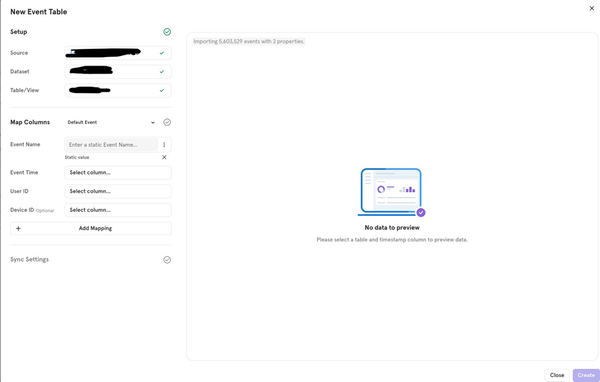
[Week 25] Learning Mixpanel: Warehouse Connectors
Introduction Welcome to Week 25 of Learning Mixpanel. I’m Ansh, a Mixpanel Certified Partner. I’ve had the privilege of working with 150+ startups, helping them set up their analytics infrastructure and gain actionable insights using Mixpanel. Curious about my work? Check out my website for case studies, testimonials, and more details about what I do. Tired of Mixpanel data going wrong - events missing, properties breaking, or random spikes? Pravix makes it simple to detect these issues and
· 4 min read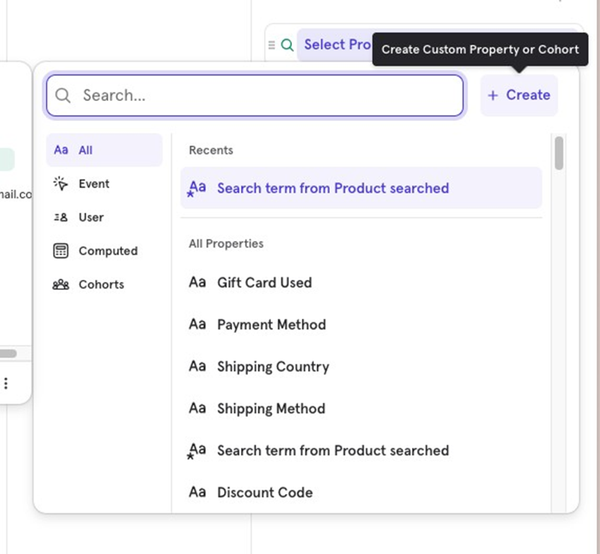
[Week 24] Learning Mixpanel: Custom Properties
Introduction Welcome to Week 24 of Learning Mixpanel. I’m Ansh, a Mixpanel Certified Partner. I’ve had the privilege of working with 150+ startups, helping them set up their analytics infrastructure and gain actionable insights using Mixpanel. Curious about my work? Check out my website for case studies, testimonials, and more details about what I do. Tired of Mixpanel data going wrong - events missing, properties breaking, or random spikes? Pravix makes it simple to detect these issues and
· 3 min read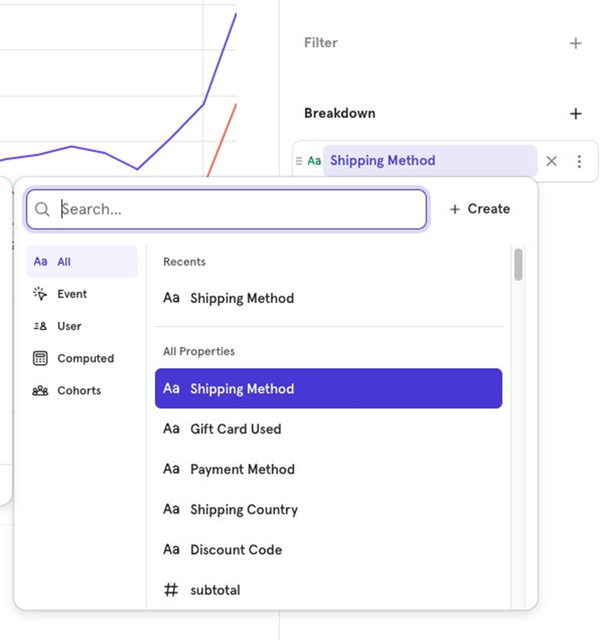
[Week 23] Learning Mixpanel: Borrowed Properties
Introduction Welcome to Week 23 of Learning Mixpanel. I’m Ansh, a Mixpanel Certified Partner. I’ve had the privilege of working with 150+ startups, helping them set up their analytics infrastructure and gain actionable insights using Mixpanel. Curious about my work? Check out my website for case studies, testimonials, and more details about what I do. Tired of Mixpanel data going wrong - events missing, properties breaking, or random spikes? Pravix makes it simple to detect these issues and
· 2 min read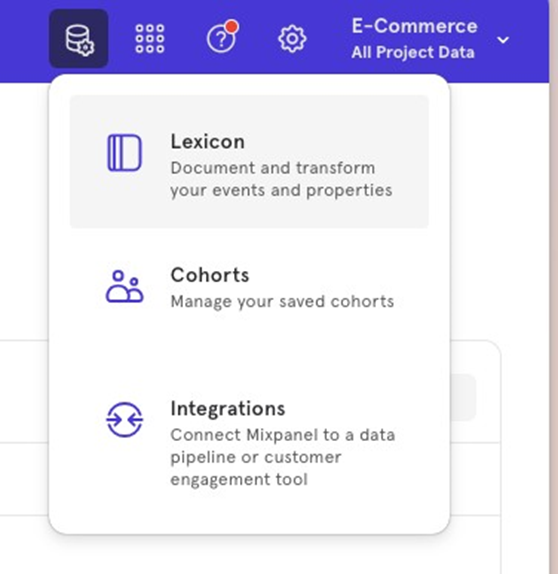
[Week 22] Learning Mixpanel: Lookup Tables
Introduction Welcome to Week 22 of Learning Mixpanel. I’m Ansh, a Mixpanel Certified Partner. I’ve had the privilege of working with 150+ startups, helping them set up their analytics infrastructure and gain actionable insights using Mixpanel. Curious about my work? Check out my website for case studies, testimonials, and more details about what I do. Tired of Mixpanel data going wrong - events missing, properties breaking, or random spikes? Pravix makes it simple to detect these issues and
· 2 min read[Week 21] Learning Mixpanel: Group Analytics in Mixpanel
Introduction Welcome to Week 21 of Learning Mixpanel. I’m Ansh, a Mixpanel Certified Partner. I’ve had the privilege of working with 150+ startups, helping them set up their analytics infrastructure and gain actionable insights using Mixpanel. Curious about my work? Check out my website for case studies, testimonials, and more details about what I do. Tired of Mixpanel data going wrong - events missing, properties breaking, or random spikes? Pravix makes it simple to detect these issues and
· 1 min read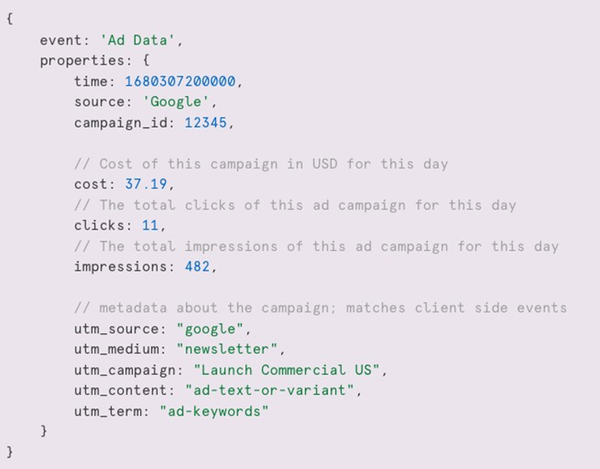
[Week 20] Learning Mixpanel: Sending Ad Data into Mixpanel
Introduction Welcome to Week 20 of Learning Mixpanel. I’m Ansh, a Mixpanel Certified Partner. I’ve had the privilege of working with 150+ startups, helping them set up their analytics infrastructure and gain actionable insights using Mixpanel. Curious about my work? Check out my website for case studies, testimonials, and more details about what I do. Tired of Mixpanel data going wrong - events missing, properties breaking, or random spikes? Pravix makes it simple to detect these issues and
· 2 min read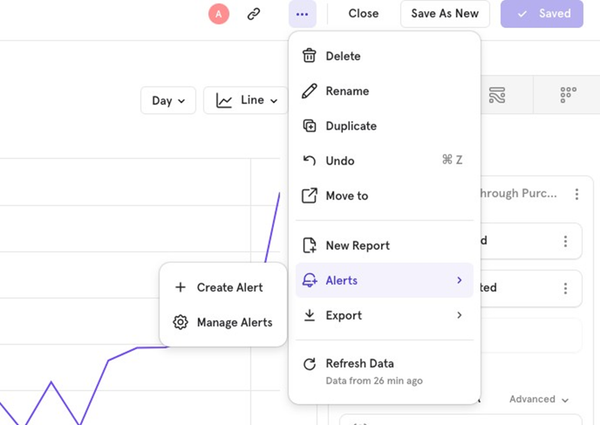
[Week 19] Learning Mixpanel: Alerts
Introduction Welcome to Week 19 of Learning Mixpanel. I’m Ansh, a Mixpanel Certified Partner. I’ve had the privilege of working with 150+ startups, helping them set up their analytics infrastructure and gain actionable insights using Mixpanel. Curious about my work? Check out my website for case studies, testimonials, and more details about what I do. Tired of Mixpanel data going wrong - events missing, properties breaking, or random spikes? Pravix makes it simple to detect these issues and
· 4 min read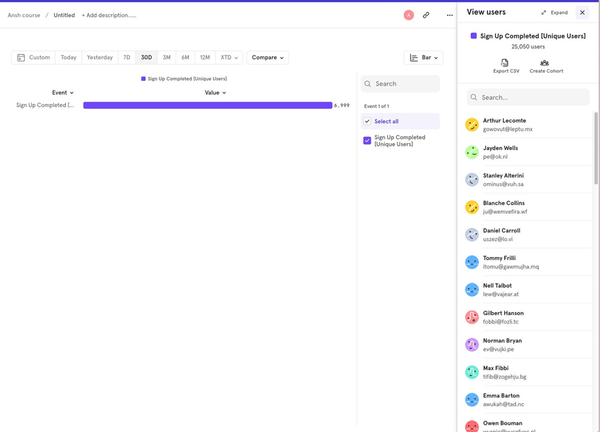
[Week 18] Learning Mixpanel: Creating Cohorts from a Report
Introduction Welcome to Week 18 of Learning Mixpanel. I’m Ansh, a Mixpanel Certified Partner. I’ve had the privilege of working with 150+ startups, helping them set up their analytics infrastructure and gain actionable insights using Mixpanel. Related: what cohorts are in Mixpanel. Curious about my work? Check out my website for case studies, testimonials, and more details about what I do. Tired of Mixpanel data going wrong - events missing, properties breaking, or random spikes? Pravix mak
· 3 min read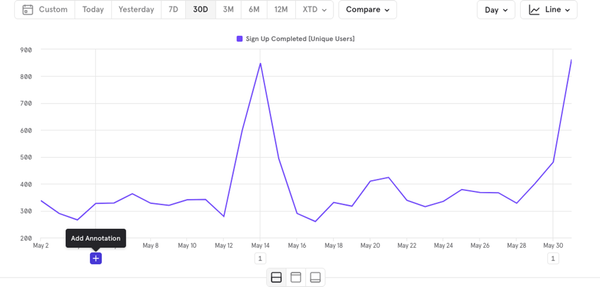
[Week 17] Learning Mixpanel: Annotations
Introduction Welcome to Week 17 of Learning Mixpanel. I’m Ansh, a Mixpanel Certified Partner. I’ve had the privilege of working with 150+ startups, helping them set up their analytics infrastructure and gain actionable insights using Mixpanel. Curious about my work? Check out my website for case studies, testimonials, and more details about what I do. Tired of Mixpanel data going wrong - events missing, properties breaking, or random spikes? Pravix makes it simple to detect these issues and
· 1 min readGet new posts by email
Simplifying analytics for Founders and PMs. One email when a post goes out.